
Introduction
In today’s digital world, the Internet and Networking play a very important role.
Students use the internet for study, communication, and information.
In this lesson, we will learn about the internet, intranet, websites, web browsers, email, search engines, social media, and networks in very simple language.
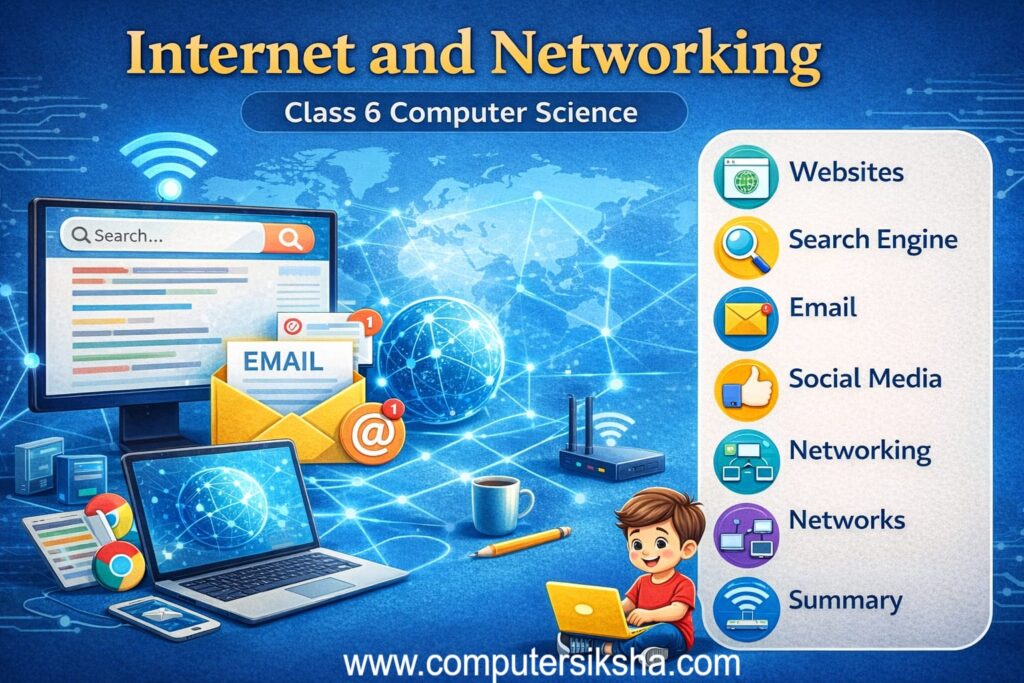
2. What Is the Internet?
The internet is a massive global network connecting millions of computers and devices worldwide. It allows people, businesses, and governments to share information instantly. In other words, it works like a giant digital highway where data travels at high speed. The Internet uses rules called TCP-IP to send data reliably. As a result, computers from different countries communicate seamlessly. Moreover, it started as ARPANET in 1969, and today, over 5 billion people use it daily.
2.1 Uses of the Internet
- Education: Access lessons and e-books anytime from any device.
- Communication: Send emails and make video calls instantly across the world.
- Shopping: Buy products online without leaving your home.
- Entertainment: Stream movies, music, and games on demand.
- Banking: Transfer money and pay bills securely online.
- Business: Reach global markets and hold online meetings easily.
3. What Is an Intranet?
An intranet is a private network used within a single organization. Only authorized members can access it. Therefore, it keeps sensitive data secure. For example, schools use intranets to share timetables and assignments. Similarly, companies store internal files on their intranet. Consequently, private data stays protected behind a secure login.
4. Difference Between Internet and Intranet
Although both use similar technology, they differ in important ways. The table below clearly highlights those differences.
| Feature | Internet | Intranet |
|---|---|---|
| Access | Open to everyone | Authorized users only |
| Ownership | No single owner | One organization |
| Security | Public network | Private; firewall-protected |
| Content | Billions of websites | Internal documents |
| Example | Google.com | School portal |
5. Types of Websites
A website is a collection of related web pages accessible via the internet. Additionally, different websites serve different purposes. Here are the three main types.
5.1 Educational Websites
Educational websites provide lessons, videos, and quizzes. Consequently, students use them to support classroom learning. Examples include Khan Academy, NCERT, and Wikipedia.
5.2 Commercial Websites
Commercial websites sell products and services online. As a result, businesses reach customers globally. Examples include Amazon.in, Flipkart, and Zomato.
5.3 Social Media Websites
Social media websites let users share content and interact online. Furthermore, they build communities around shared interests. Examples include Facebook, Instagram, and YouTube.
6. Web Browser
A web browser is software that lets you access websites. When you type a web address, the browser sends a request to the server, receives the data, and displays the page. Therefore, without a browser, you cannot view internet content. Modern browsers also offer bookmarks, history, and private mode, making browsing safer and more convenient.
6.1 Examples of Web Browsers
- Google Chrome: Most popular worldwide. Fast, secure, and extensible.
- Mozilla Firefox: Open-source with strong privacy features.
- Microsoft Edge: Built into Windows 10/11; integrates with Microsoft tools.
- Safari: Apple’s default browser for iPhone, iPad, and Mac.
7. Opening Web Pages and Websites
Opening a webpage is simple. First, launch your browser. Next, type the URL and press Enter. Then, your browser contacts a DNS server to find the server’s IP address. After that, the web server sends back the page files. Finally, your browser displays the complete page on your screen.
8. Search Engine
A search engine helps you find information online. When you type a keyword, it scans billions of pages and shows the most relevant results. Furthermore, it uses programs called crawlers to continuously index new web content. As a result, results are always fresh and accurate. Google, Bing, and DuckDuckGo are popular examples used every day.
9. Creating and Using Email
Email (Electronic Mail) lets you send messages and files to anyone with an email address — instantly and free. Moreover, schools and businesses rely on email for all official communication.
9.1 Steps to Create a Gmail Account
- Visit Gmail: Go to www.gmail.com in your browser.
- Create Account: Enter your name and choose a unique username.
- Set a password: Use letters, numbers, and symbols. Confirm it once.
- Verify and finish: Enter the OTP, accept the terms, and your account is ready.
9.2 Uses of Email
- Official notices: Schools send updates and timetables via email.
- File sharing: Attach and send documents and photos instantly.
- Job applications: Candidates email resumes directly to employers.
- Account registration: Most websites require a valid email to sign up.
10. Social Media Sites
Social media sites let users create profiles, post content, and interact with others. Consequently, they have changed how people communicate and share news globally. However, social media carries both benefits and risks. Therefore, students must use it wisely.
10.1 Advantages of Social Media
- Stay connected: Keep in touch with friends and family across distances.
- Share information: News reaches millions within seconds.
- Learn skills: Free tutorials and courses are widely available online.
- Grow businesses: Small businesses reach customers through low-cost marketing.
10.2 Disadvantages of Social Media
- Addiction: Overuse wastes time and disrupts sleep and productivity.
- Cyberbullying: Some users harass others through anonymous profiles.
- Privacy risks: Hackers can misuse personal data shared publicly.
- Fake news: False content spreads fast before anyone checks the facts.
11. Networking and Networks
A computer network connects two or more devices to share resources and data. In other words, networking creates links that let devices communicate efficiently. Networks exist in homes, schools, and offices. Additionally, they form the foundation of the internet itself.
11.1 Types of Networks
| Type | Full Form | Coverage | Example |
|---|---|---|---|
| LAN | Local Area Network | Room or building | School computer lab |
| MAN | Metropolitan Area Network | City or town | City-wide cable network |
| WAN | Wide Area Network | Countries or continents | The Internet itself |
| PAN | Personal Area Network | A few metres | Bluetooth devices |
11.2 Uses of Networks
- File sharing: Send files instantly without a USB drive.
- Printer sharing: Multiple computers share one network printer.
- Internet access: One connection serves all devices at once.
- Communication: Emails and video calls travel through networks in real time.
Conclusion
The internet has clearly transformed our world. From global networks to private intranets, from web browsers to social media and computer networking — each topic plays a vital role in digital life. Moreover, understanding these concepts helps you use technology responsibly. Therefore, keep learning and make the digital world work for you.